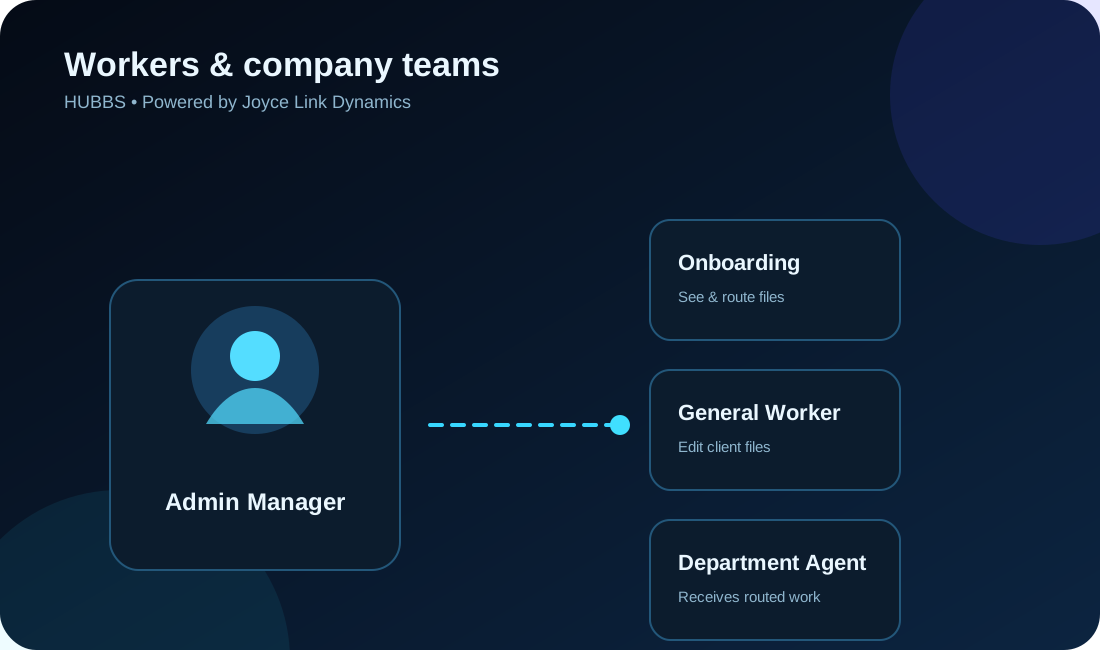
Worker management
Add staff, manage private PIN access and track the number of files each worker creates daily.
 HUBBSPowered by Joyce Link Dynamics
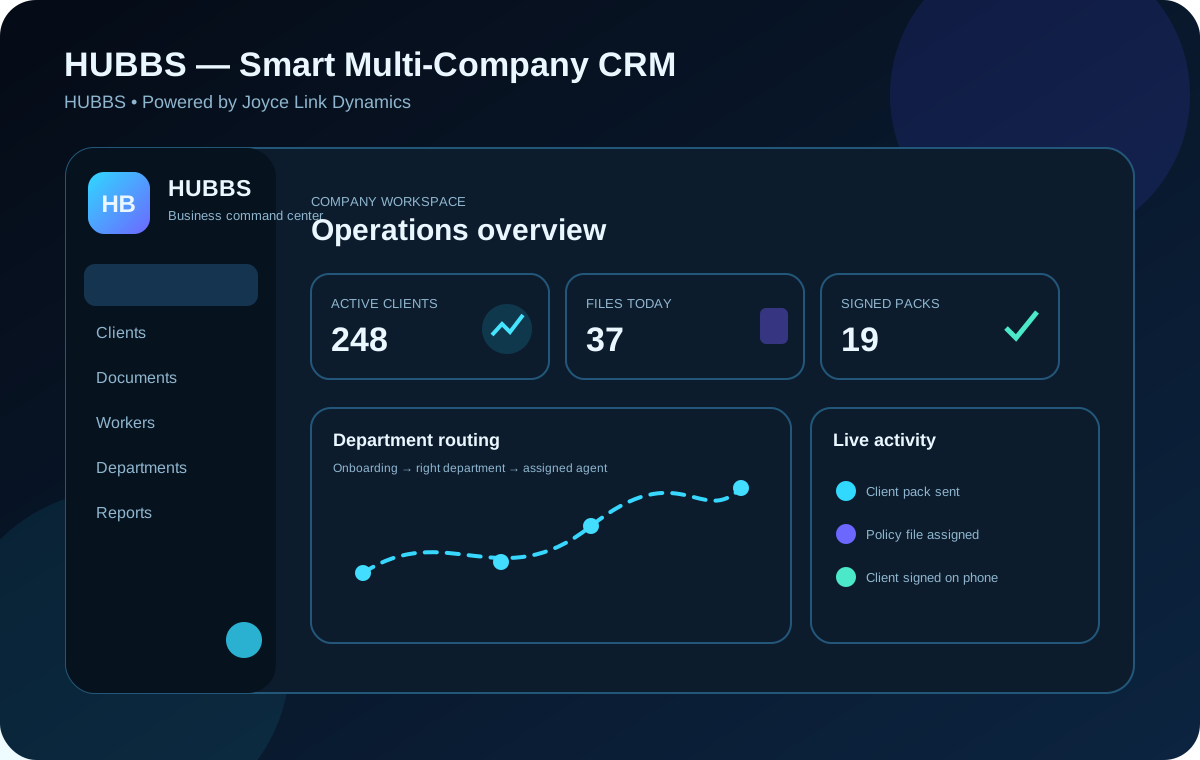
Manage clients, workers, departments, signed client packs, files, communication and daily activity from one secure workspace. Every registered company gets its own private branded environment.
 HUBBS live command center
Visual, simple and practical tools for everyday company operations.
Add staff, manage private PIN access and track the number of files each worker creates daily.
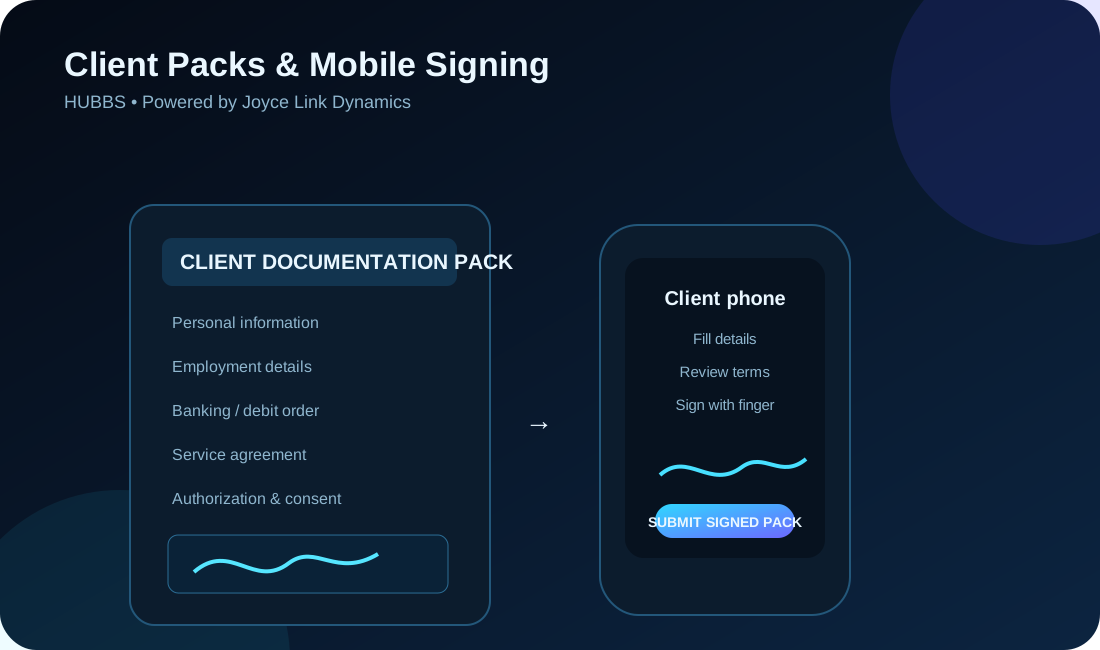
Send company-branded Client Documentation Packs for mobile completion and signing, while keeping receipts, quotations, letters and uploads on the correct client file.
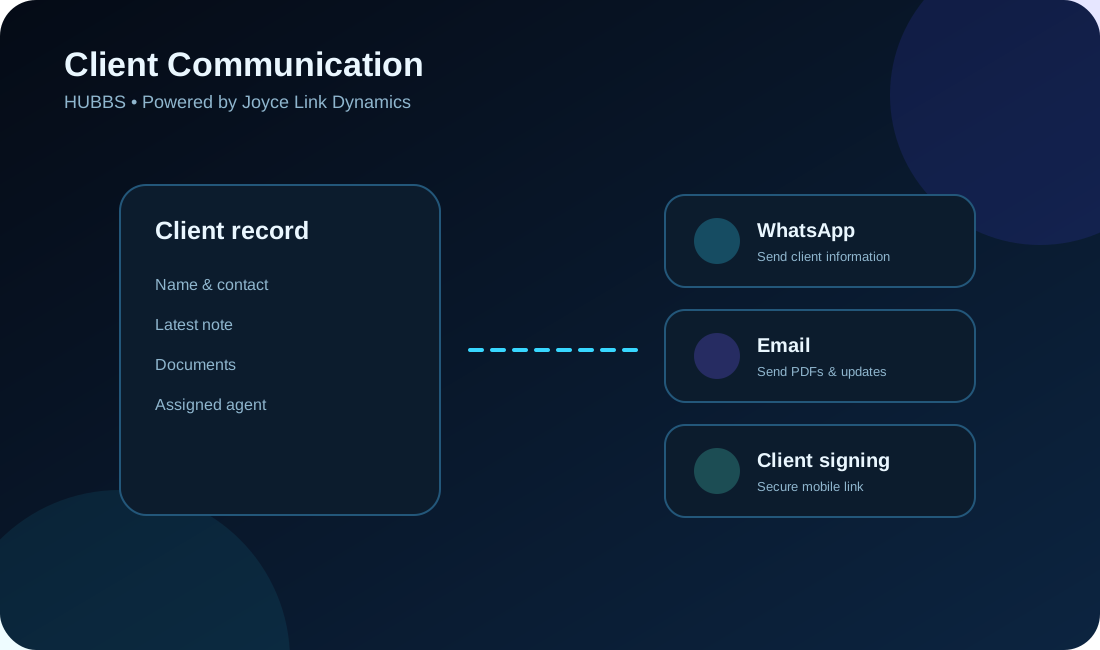
Company-level WhatsApp actions use the WhatsApp number saved for the logged-in company — keeping client communication under the correct company brand.
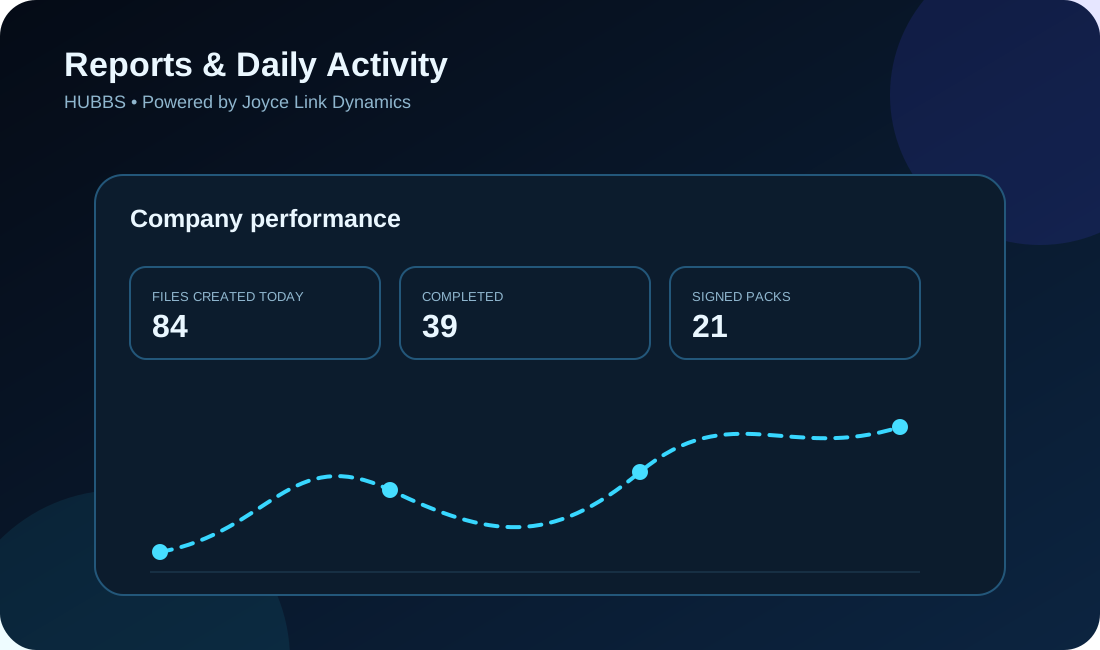
See clients, activity and daily file creation at a glance so managers can understand what is happening.
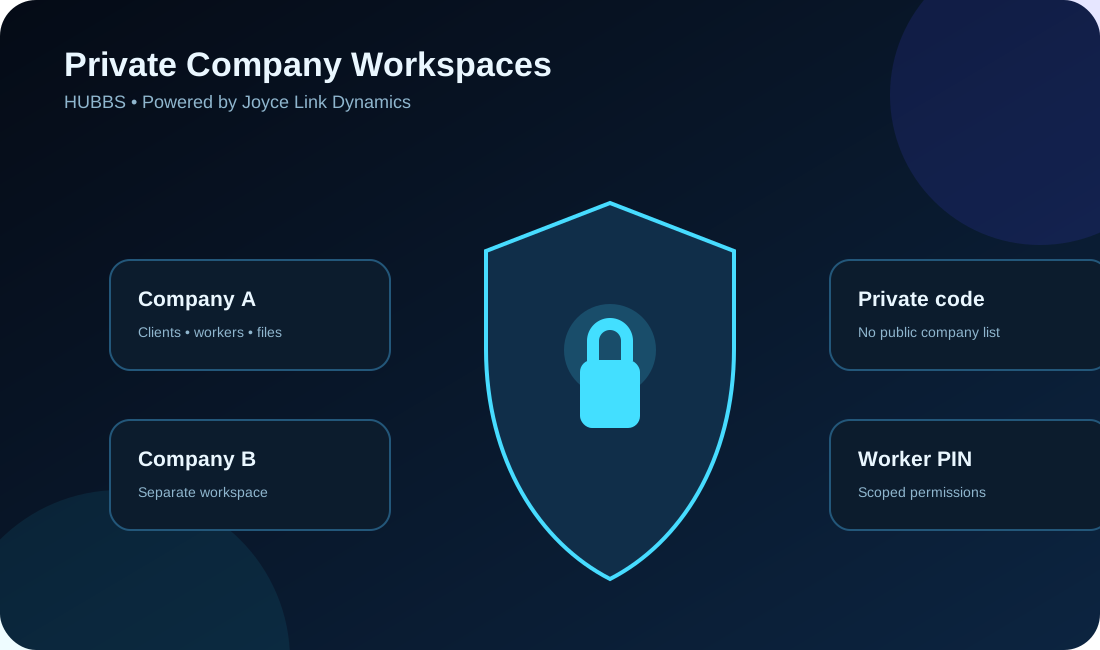
Companies never see one another at login. A company code, worker identity and PIN are required to enter.
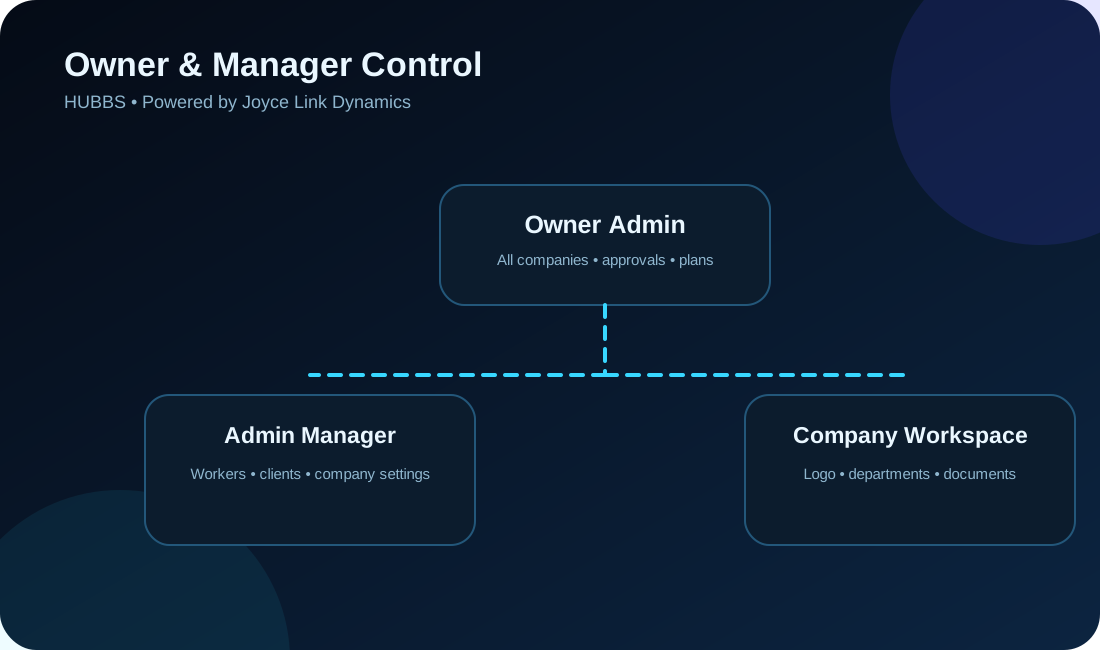
Only the system owner can manage all companies. Workers and company managers remain inside their own restricted workspaces.
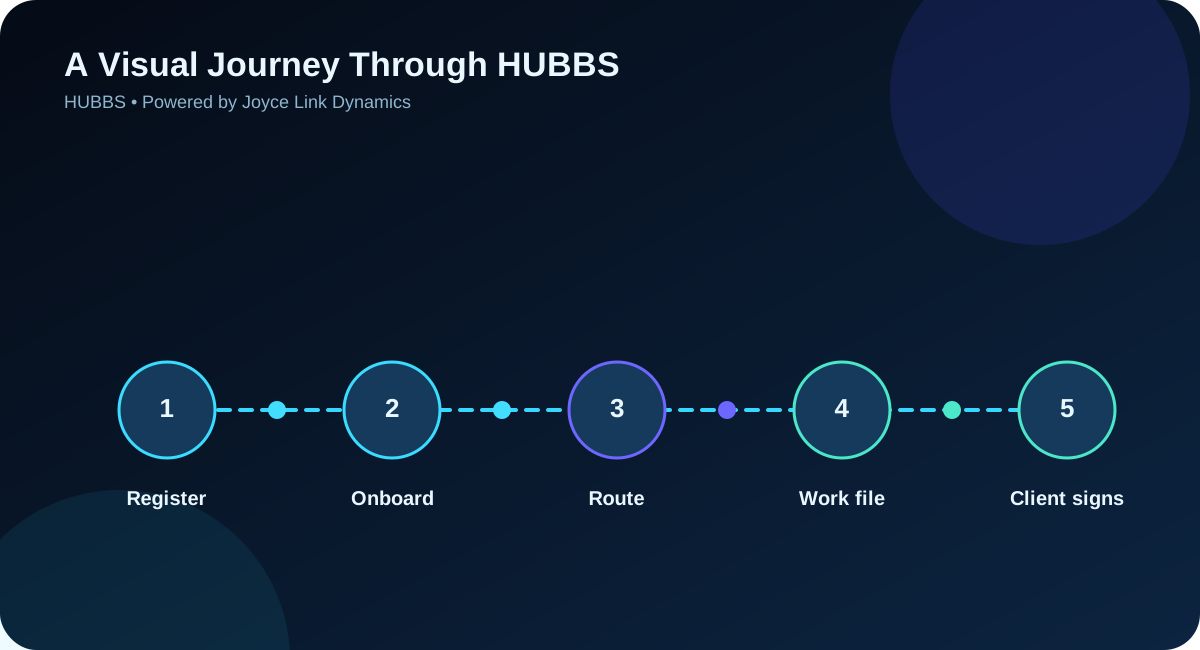
Visitors see the landing page first. Staff then enter private credentials supplied by their own company administrator.
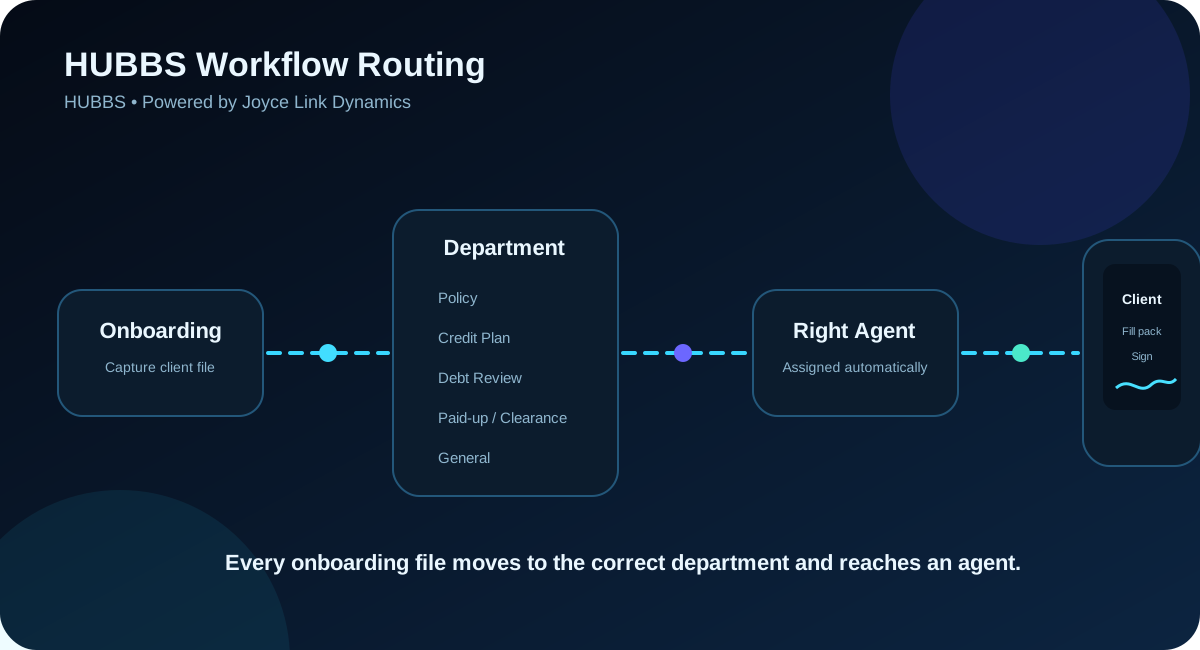
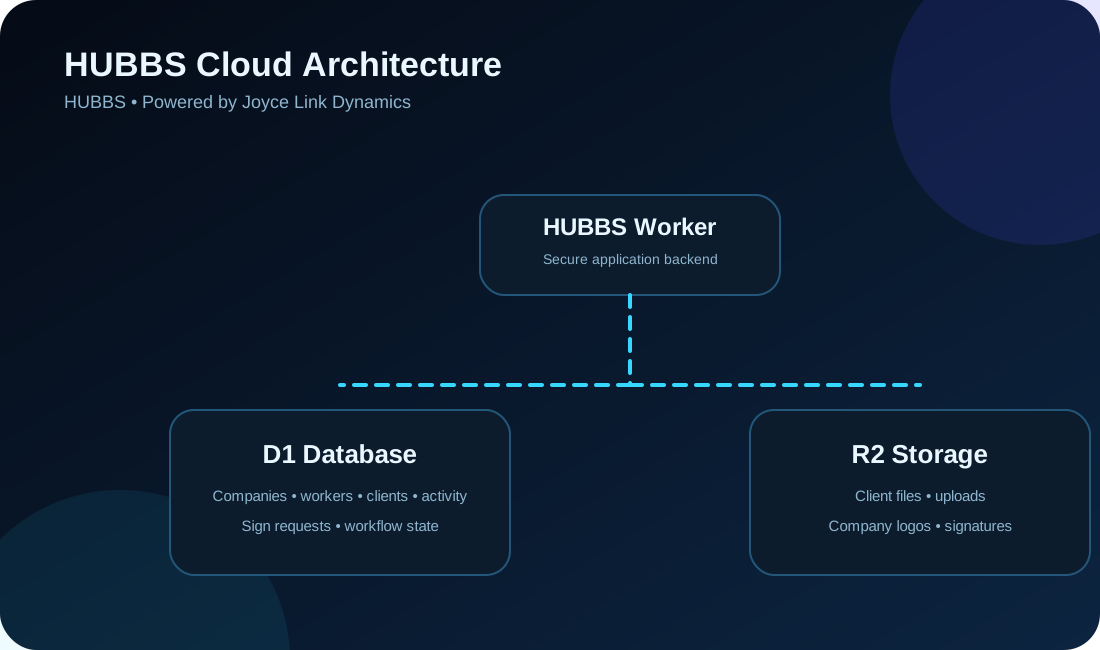
The CRM runs on a Cloudflare Worker. D1 stores CRM records and R2 stores uploaded files. Updating pictures, your logo or landing-page styling does not reset those existing resources.
Create the first company-manager account online. New registrations are locked for owner approval before staff can log in.
Your private company code is generated automatically. Keep it safe and share it only with your staff after the owner approves your workspace.
Use the company code, worker identity and PIN given to you by your company administrator.
Enter the private details supplied by your company administrator. Registered company names and staff accounts are never listed publicly.
Need your login details? Contact your own company manager. Only the system owner can repair company access details. HUBBS never displays other registered companies.